One photo.
Every day.
Halcy is a quiet place to keep one picture from each day — nothing to scroll, nothing to catch up on. Just today, kept for good.
September 2026
Current month









Not a feed. Not an archive of everything.
Most photo apps want every shot you take, so you can sift through them later and pick the good one. Halcy skips that step. You open the app, capture the moment, and that's the day's photo — no picking a favorite, no second take. A small, instant act instead of an endless scroll. Over months, it turns into something more useful than a camera roll: a calendar you actually want to look back on.
How a day becomes a dot.
Capture
Open Halcy and capture the moment right there — no gallery, no picking a shot after the fact.
It locks
Once the day ends, that entry is sealed. No do-overs, and no filling in yesterday if you missed it.
It builds
Day by day, your calendar fills in — a small, honest record of how the year actually went.
A year remembered, one day at a time
A filled dot means you kept that day. An outline means it passed empty — that's allowed. And the one with a thin ring is today, still waiting.
A closer look.
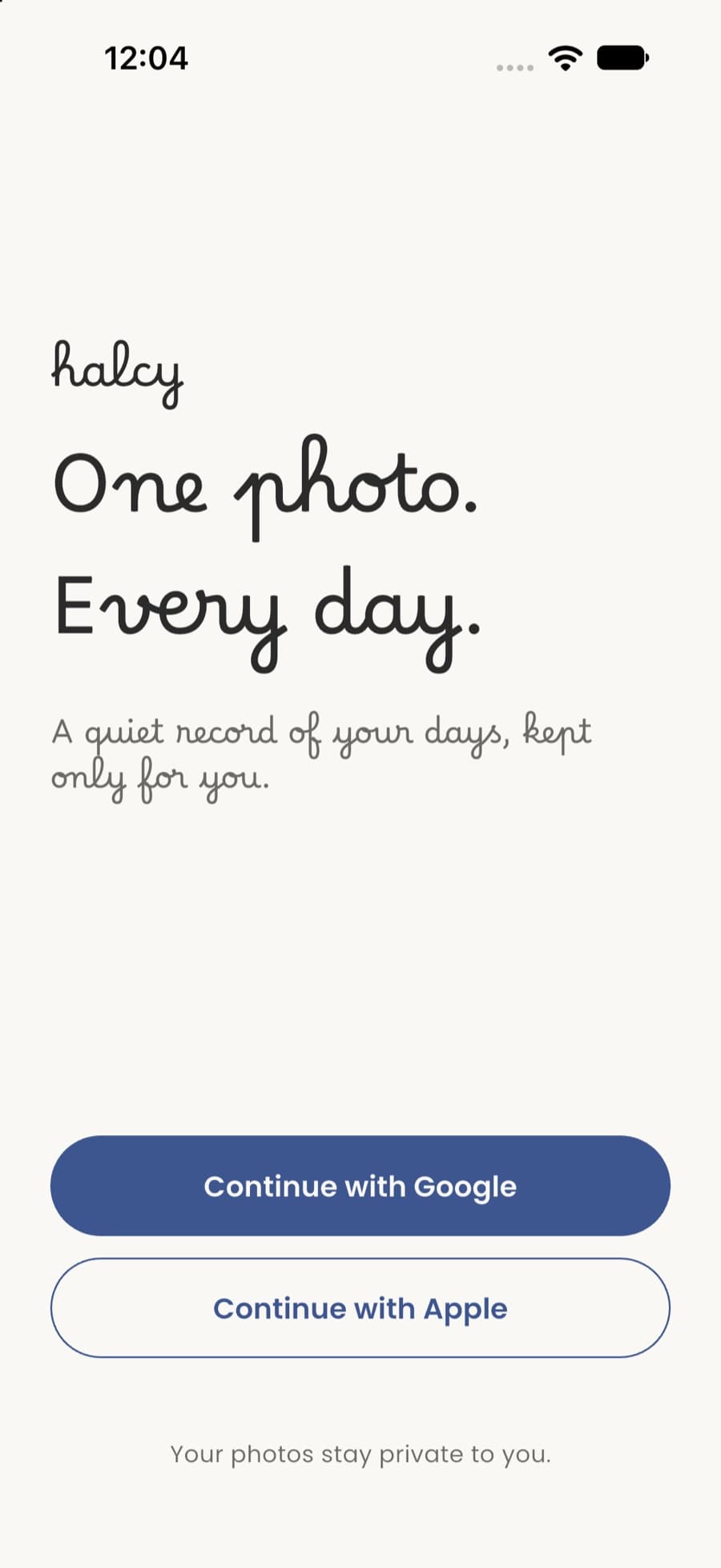
Welcome — one photo, every day.
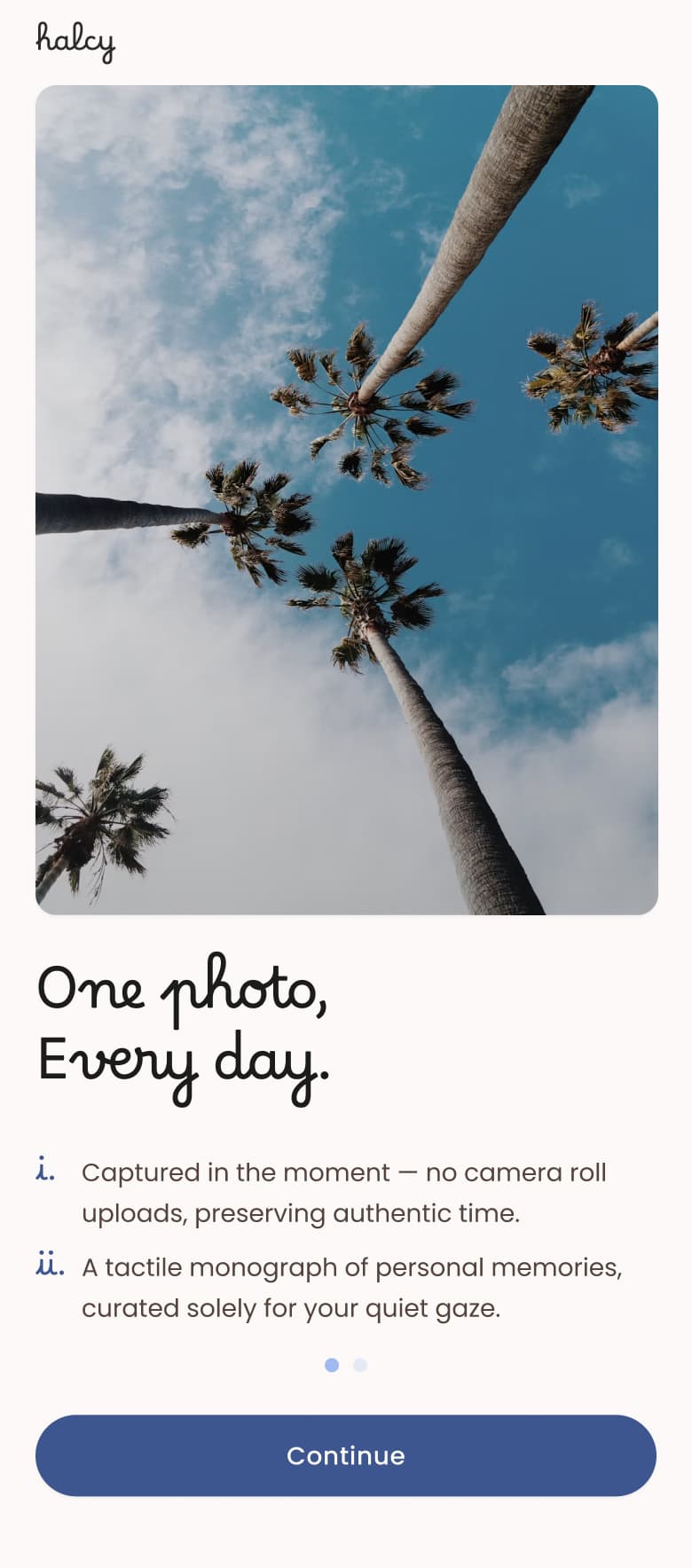
Onboarding — captured in the moment.
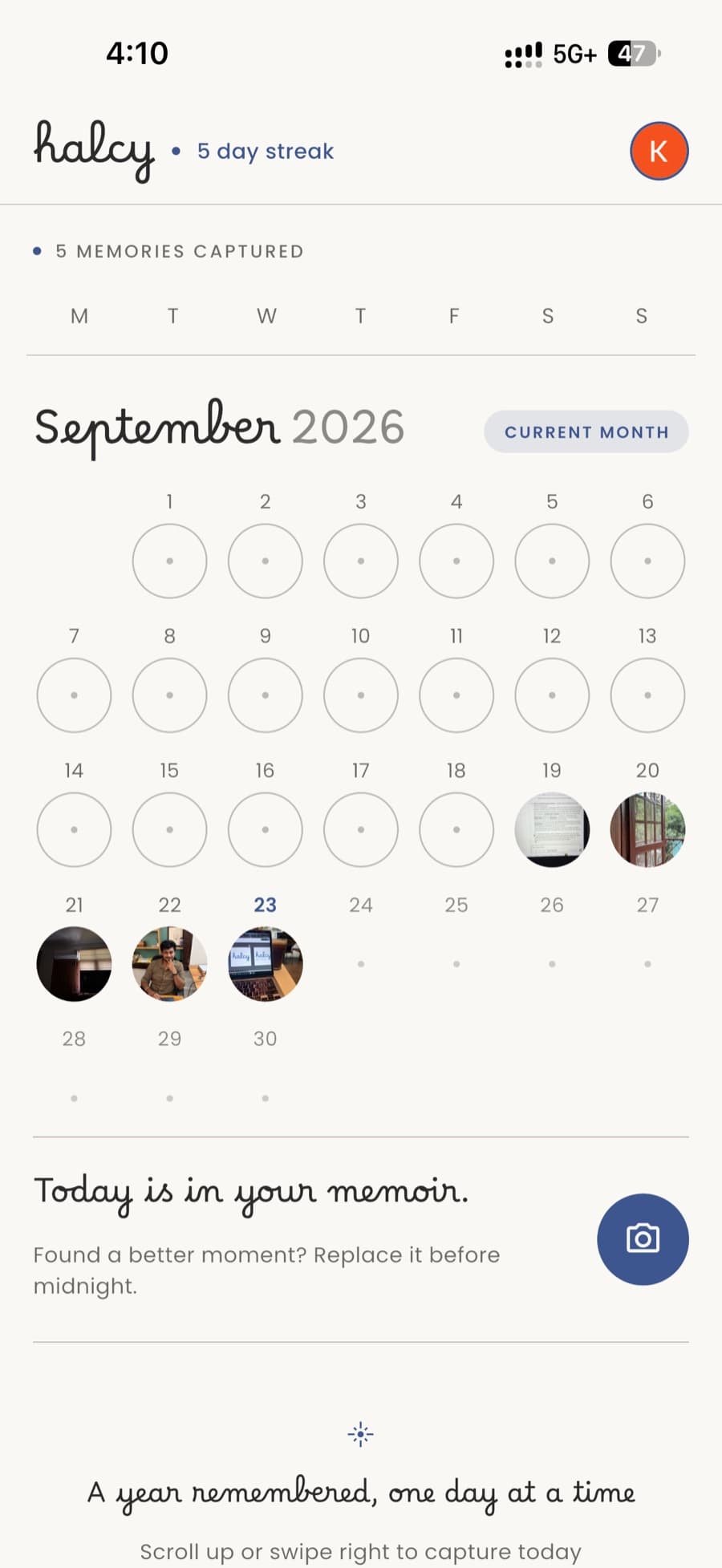
Home — the calendar, always the hub.
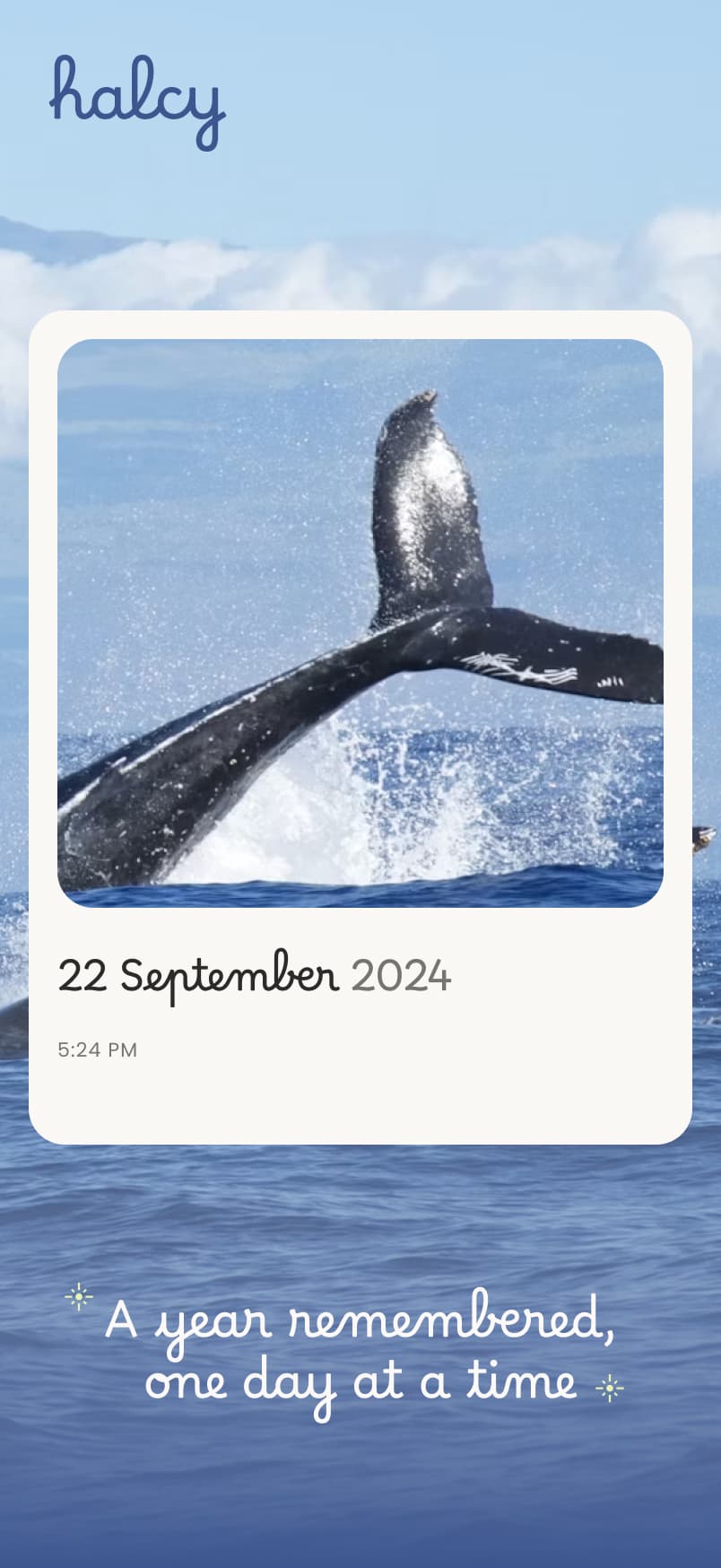
Memories — a year, one day at a time.